
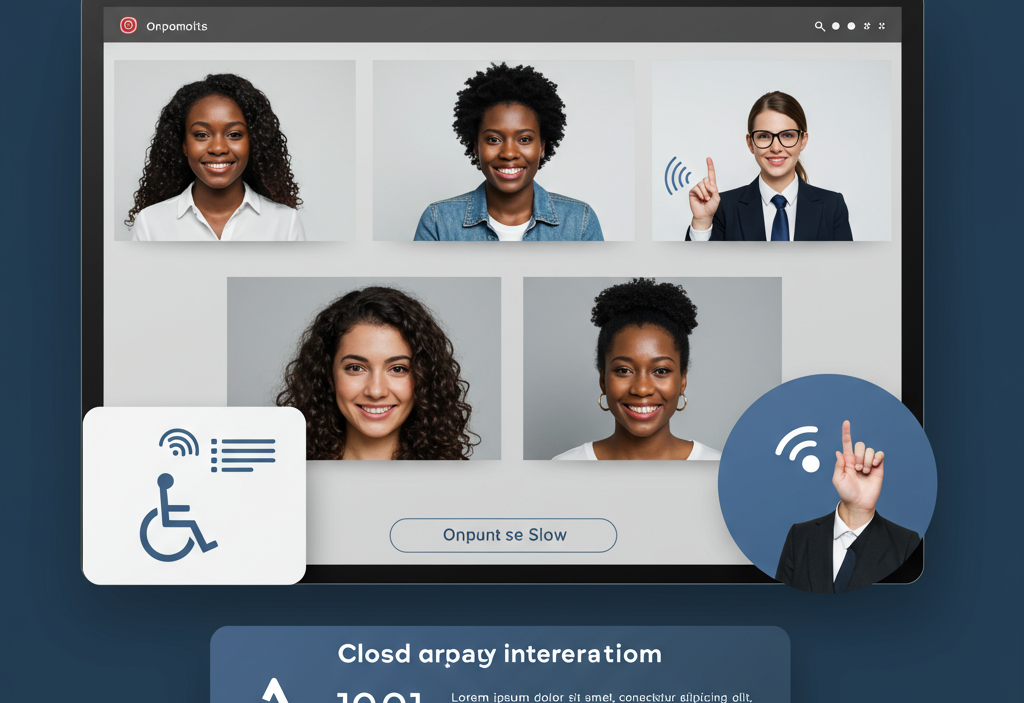
Accessible and inclusive webinars ensure equal participation for all audiences, including people with disabilities. By using captions, accessible platforms, clear design, and assistive technologies, organizations expand reach, enhance user experience, meet legal standards, and demonstrate social responsibility.
Webinars have become an essential channel for marketing, training, and community engagement. Yet too many organizations overlook an important dimension: accessibility. Making your webinars accessible and inclusive ensures that people of all abilities – including those with visual, auditory, cognitive, or mobility impairments – can participate fully.
Why Accessibility & Inclusion Matter

Accessibility isn’t just a legal checkbox. It enhances your brand reputation, broadens your reach, and fosters goodwill among diverse communities. According to the World Health Organization, over one billion people live with some form of disability. By designing inclusive webinars, you tap into new markets and demonstrate social responsibility. Moreover, accessible content often improves the experience for all attendees – think clear captions, well-structured slides, and intuitive navigation.
Understanding Legal and Ethical Requirements
1. Plan for Accessibility from the Start
Accessibility shouldn’t be an afterthought. Incorporate it into your webinar planning checklist:
- Define accessibility goals and compliance targets
- Choose a webinar platform with built-in accessibility features
- Assemble a team member or consultant knowledgeable in accessibility standards
- Budget for captioning services and sign language interpreters, if needed
2. Select an Accessible Webinar Platform
Not all platforms treat accessibility equally. Look for features such as:
- Keyboard navigability for attendees who can’t use a mouse
- Screen reader compatibility and ARIA landmarks
- Live captioning or third-party caption integrations
- Support for video description and sign language windows
- Customizable color contrast and font size options
Popular platforms like Zoom, Microsoft Teams, and GoToWebinar offer varying degrees of accessibility support. Verify each tool’s documentation and test key workflows in advance.
3. Provide Real-Time Captioning and Transcripts
Live captions are crucial for participants who are deaf or hard of hearing, as well as non-native speakers. You have two main options:
- Automatic speech recognition (ASR): More affordable but less accurate (around 70–90% accuracy).
- Human stenographers or CART services: Higher accuracy (95%+) but premium pricing.
Offering downloadable transcripts after the event also benefits attendees who want to review or search the content later. Make transcripts available in accessible formats like tagged PDF or accessible Word documents.
4. Design Accessible Slide Decks
Your visual aids can either help or hinder accessibility. Follow these slide design guidelines:
- Use high color contrast (e.g., dark text on a light background).
- Avoid conveying information by color alone. Add patterns or labels to charts.
- Choose large, sans-serif fonts (minimum 24pt for body text).
- Add meaningful alt text to images and charts.
- Structure content with headings and bullet points for screen reader navigation.
5. Incorporate Sign Language and Visual Aids
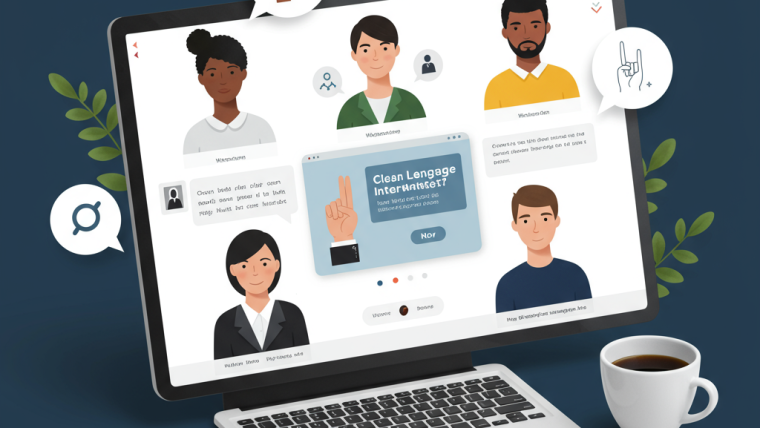
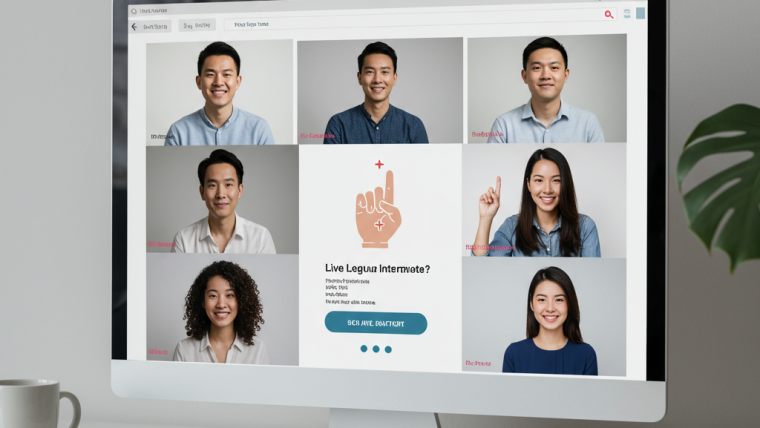
For audiences who use sign language, offering an interpreter window is a game-changer. Coordinate with professional sign language interpreters and reserve a dedicated video tile. Additionally, use on-screen visual cues, such as icon-based prompts and progress bars, to guide attendees through interactive elements like polls.
6. Optimize Audio and Video Quality
Clear, high-quality audio benefits everyone, especially those with hearing challenges. Tips include:
- Use an external USB or XLR microphone and test levels beforehand.
- Eliminate background noise with a quiet room and noise-reduction software.
- Ensure your webcam or camera delivers sharp, well-lit video—important for lip-reading and sign language visibility.
7. Offer Multiple Interaction Channels
Engagement shouldn’t rely solely on voice or chat. Provide alternative ways to participate:
- Polls and quizzes with clear, descriptive labels.
- Q&A typed questions submitted in advance or live chat.
- Emoji reactions with text equivalents (e.g., “Thumbs Up”).
Clearly explain all methods at the start so every attendee knows how to join in.
8. Test with Assistive Technologies
Before going live, conduct an accessibility audit with tools and real users:
- Screen readers (e.g., NVDA, VoiceOver) to verify navigation and announcements.
- Keyboard-only testing to ensure all controls are reachable.
- Contrast checkers for slide and UI colors.
- User testing with participants who have disabilities.
9. Promote Accessibility Features in Your Marketing
Inform potential attendees about the accommodations you provide. Add a clear accessibility statement to your landing page and registration emails. For example:
“This webinar will include live captioning, sign language interpretation, and accessible slide decks. Please let us know of any additional accommodations you require.”
10. Gather Feedback & Continuously Improve
At the conclusion of your webinar, distribute a concise survey centered on accessibility and inclusion. Invite attendees to share what aspects were effective, which areas need improvement, and which accessibility features were most beneficial. Collecting detailed feedback helps identify gaps in your current approach and provides actionable insights for refining future webinars.
Analyze survey responses to detect trends and recurring suggestions, such as difficulties with captions, navigation issues, or preferred interaction methods. Use this data to adjust platform settings, slide designs, audio quality, and support services. Implementing these changes ensures each successive webinar offers an increasingly accessible and inclusive experience.
Additionally, consider incorporating feedback loops beyond surveys, such as follow-up interviews or focus groups with participants who rely on accessibility features. This deeper engagement fosters a culture of continuous improvement and demonstrates your organization’s commitment to inclusivity, enhancing reputation and attendee trust over time.
Top Tools & Resources for Accessible Webinars

Otter.ai or Rev.com for live captions and transcripts. These platforms provide accurate, real-time captioning for participants who are deaf or hard of hearing, while also generating transcripts that can be shared after the webinar for review and reference.
WebAIM contrast checker for slide design. This tool helps ensure your slides meet accessibility standards by checking color contrast, readability, and visual clarity. Proper slide design improves comprehension for all attendees, including those with visual impairments or color blindness.
Deque Axe browser extension for accessibility audits. Deque Axe allows you to scan your webinar platform, website, or related digital assets to identify and fix accessibility issues. Regular audits help maintain compliance with WCAG standards and enhance the user experience for participants with disabilities.
3Play Media or CaptionSync for professional captioning. These services offer high-quality, human-generated captions and transcripts for webinars, ensuring superior accuracy and readability. They are particularly useful for large-scale or highly technical webinars where precision is critical.
US International Keyboard for on-screen sign language interpreter setup. This tool enables sign language interpreters to input text, symbols, or cues efficiently during live webinars. It supports smoother communication and ensures participants using sign language have full access to the webinar content.
Together, these tools and resources provide a comprehensive suite to make webinars fully accessible, inclusive, and compliant with legal and ethical standards, helping organizations reach a broader audience while enhancing attendee engagement and satisfaction.
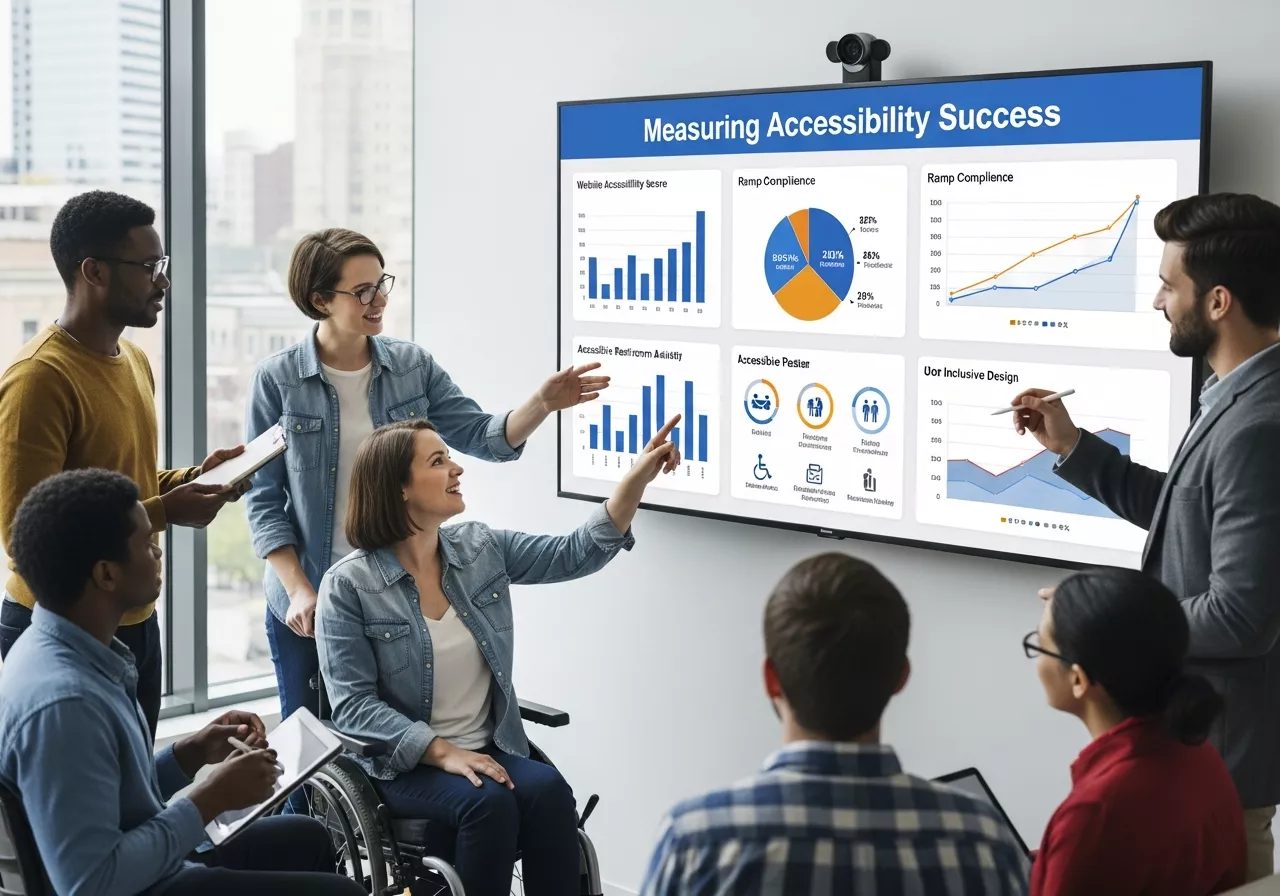
Measuring Accessibility Success
Key metrics to track:
To ensure your accessibility efforts are effective and provide tangible value, it’s important to track relevant metrics. Key indicators include:
-
Caption Accuracy and Usage Rates: Monitor how accurately captions reflect spoken content and how often attendees enable or rely on captions. High usage indicates both need and engagement.
-
Attendance and Drop-Off Rates Among Accessibility-Focused Registrants: Compare participation and retention rates for attendees who requested accommodations versus the general audience to identify potential barriers or improvements.
-
Survey Scores on Accessibility Satisfaction: Collect post-webinar feedback specifically about accessibility features, such as captions, slide readability, sign language interpretation, and alternative interaction options. High satisfaction scores validate your efforts.
-
Number of Accommodation Requests Over Time: Track trends in requests for sign language interpreters, transcripts, or other support to understand evolving accessibility needs and plan resources accordingly.
Additionally, consider analyzing qualitative feedback from attendees about what worked well and what could be improved. Cross-reference these metrics with overall engagement and conversion rates to demonstrate ROI and strengthen the case for continued investment in accessible webinar practices. Using this data, you can refine workflows, select better tools, and make informed decisions to enhance inclusion in future events.
Conclusion
Creating accessible and inclusive webinars is not only the right thing to do but also a strategic advantage. By planning with accessibility in mind, selecting the right tools, designing thoughtful content, and continuously iterating based on feedback, you’ll reach wider audiences, improve attendee experience, and reinforce your commitment to inclusion. Start applying these best practices today to make every webinar a welcoming space for all. Learn more about AI-Powered Webinars: Integrating Artificial Intelligence for Enhanced Attendee Experience
Frequently Asked Questions (FAQ)
1. What makes a webinar accessible?
An accessible webinar includes features like live captions, keyboard navigation, screen reader compatibility, high-contrast slides, and multiple interaction methods to support diverse abilities.
2. Are accessible webinars legally required?
Yes, many regions enforce accessibility laws such as ADA, Section 508, and WCAG guidelines, especially for public organizations and global audiences.
3. Do accessible webinars cost more to produce?
Some features like human captioning or interpreters add cost, but many platforms include built-in accessibility tools that keep expenses manageable.
4. Who benefits from accessible webinars?
Everyone benefits—people with disabilities, non-native speakers, mobile users, and attendees in noisy environments all gain from clearer communication and better usability.
5. How can I promote accessibility to attendees?
Include a clear accessibility statement on your registration page, list available accommodations, and invite attendees to request additional support in advance.



Webinar Analytics: A Complete Guide to Measuring Success and Improving Performance
The Ultimate Webinar Follow-Up Strategy to Turn Attendees into Customers
Webinar Accessibility Best Practices: How to Make Your Online Events Inclusive for All
Webinar Personalization: Tailoring Content to Audience Segments for Maximum Engagement